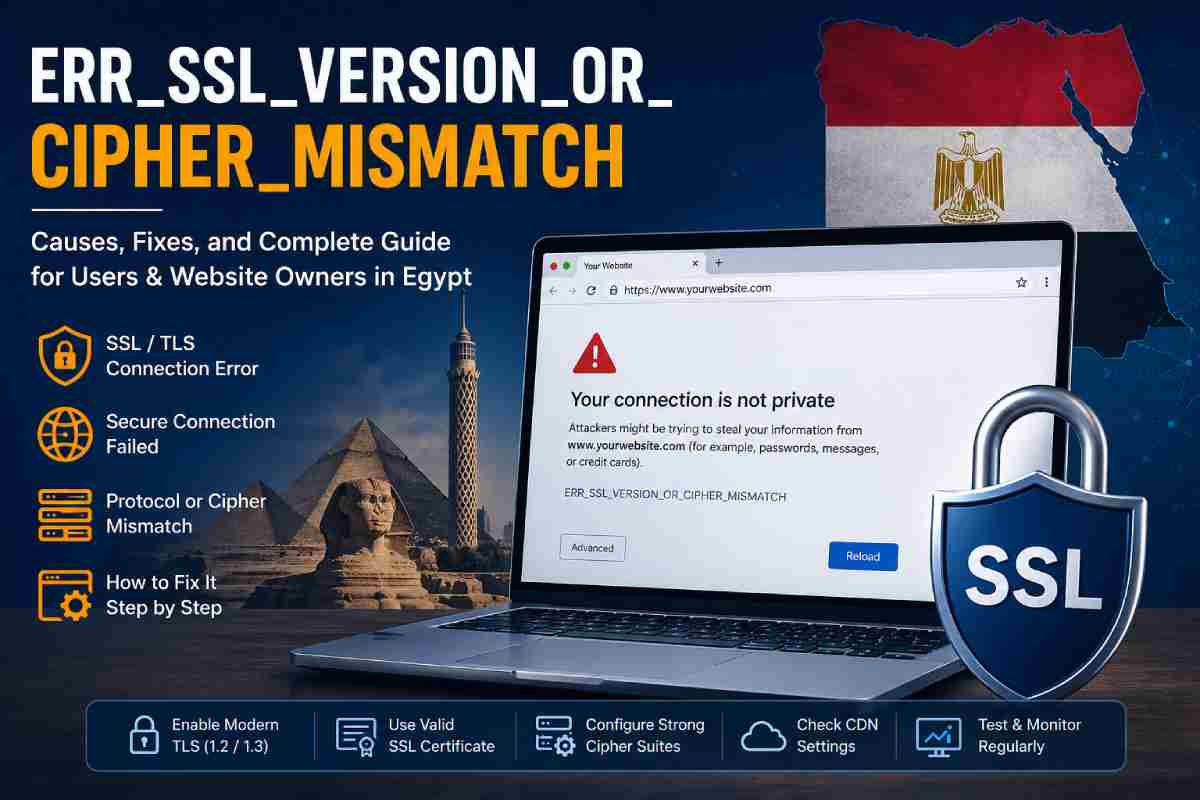
When a browser shows the ERR_SSL_VERSION_OR_CIPHER_MISMATCH message, it means the secure HTTPS connection between the browser and the website has failed. Instead of opening the page normally, browsers such as Google Chrome, Microsoft Edge, and Mozilla Firefox block access because they cannot agree with the server on a safe encryption method.
This issue is becoming more common as older security protocols are being retired worldwide. For businesses and users in Egypt, especially those managing government portals, ecommerce stores, or financial websites, understanding this error is important because it can directly affect website trust, traffic, and customer confidence.
According to Cloudflare, the error often appears when a domain is not properly covered by an SSL certificate or when outdated TLS settings remain active on the server.
Table of Contents
What the Error Means
The error occurs because the browser and server cannot establish a secure connection. The browser checks:
- SSL/TLS protocol version
- Cipher suites
- Certificate validity
- Server configuration
- Domain matching
If one side supports only older encryption while the other demands newer encryption, the handshake fails.
| Technical Component | Purpose | Common Problem |
| SSL/TLS Version | Secures communication | Server uses old TLS 1.0 |
| Cipher Suite | Defines encryption method | Unsupported cipher |
| Certificate | Confirms website identity | Expired certificate |
| Browser | Requests secure session | Old browser version |
| CDN | Delivers encrypted content | Misconfigured proxy |
Main Causes of ERR_SSL_VERSION_OR_CIPHER_MISMATCH
Several issues can trigger this problem.
1. Outdated TLS Protocols
Many older servers still use:
- SSL 3.0
- TLS 1.0
- TLS 1.1
Modern browsers now require:
- TLS 1.2
- TLS 1.3
Older versions are considered insecure.
2. Incorrect SSL Certificate
If the installed certificate:
- has expired
- belongs to another domain
- is self-signed
- is incomplete
the browser may reject the connection.
3. Unsupported Cipher Suites
A server may be configured with encryption methods modern browsers no longer trust.
4. CDN Misconfiguration
Websites using services like Cloudflare can display this error if:
- DNS is incorrect
- SSL mode is wrong
- Edge certificate is pending activation
Common Symptoms in Egypt
Users in Egypt often report:
| Symptom | User Experience |
| Website won’t load | Blank secure connection error |
| Banking portals fail | Login inaccessible |
| Government sites fail | Certificate mismatch |
| Internal office tools fail | Browser security warning |
| Router admin page fails | Local IP secure error |
Older local hosting environments in some regional data centers can increase the chance of this issue.
Error Message Variations
Different browsers show similar messages.
| Browser | Error Message |
| Chrome | ERR_SSL_VERSION_OR_CIPHER_MISMATCH |
| Firefox | SSL_ERROR_NO_CYPHER_OVERLAP |
| Edge | Can’t connect securely |
| Safari | Cannot establish secure connection |
How Visitors Can Fix the Error
If you are only visiting a website, try these steps.
Update Your Browser
Older browsers may not support modern TLS.
| Browser | Update Path |
| Chrome | Settings → About |
| Edge | Settings → About |
| Firefox | Help → About |
| Safari | Update macOS |
Clear SSL Cache
Windows users can clear stored SSL data.
- Open Control Panel
- Go to Internet Options
- Open Content tab
- Click Clear SSL state
Check Device Date and Time
Incorrect system time can break certificate validation.
| Wrong Setting | Result |
| Incorrect date | Invalid certificate |
| Wrong timezone | Secure mismatch |
| Unsynced clock | Browser warning |
Disable Antivirus HTTPS Scanning
Some security software interferes with SSL traffic.
Temporarily disable:
- HTTPS scanning
- SSL scanning
- Secure web filtering
How Website Owners Can Fix It
If you own the website, the solution usually lies on the server.
1. Test SSL Configuration
Use trusted tools like:
- SSL Labs
- Cloudflare diagnostics
- Hosting control panel tests
These identify:
- Protocol errors
- Weak ciphers
- Missing chain certificates
2. Enable Modern TLS
Recommended settings:
| Setting | Recommended Value |
| Minimum TLS | TLS 1.2 |
| Preferred TLS | TLS 1.3 |
| Disable | SSL 3.0 / TLS 1.0 |
3. Replace Weak Cipher Suites
Modern servers should support:
- AES-GCM
- CHACHA20
- ECDHE
Old ciphers like RC4 should be removed.
4. Verify Certificate Matching
Ensure:
- domain.com matches certificate
- www.domain.com included
- subdomains covered
Mismatch causes browser failure.
5. Fix Cloudflare Settings
When using Cloudflare:
| Setting | Correct Option |
| SSL Mode | Full or Full Strict |
| DNS Proxy | Enabled |
| Edge Certificate | Active |
| Origin Cert | Installed |
Server Configuration Example
For Apache or Nginx servers:
| Server | Secure Setting |
| Apache | SSLProtocol all -SSLv3 -TLSv1 -TLSv1.1 |
| Nginx | ssl_protocols TLSv1.2 TLSv1.3; |
These remove unsupported versions.
Why the Error Matters for Businesses in Egypt
Egyptian businesses using online platforms can lose customers if visitors see security warnings.
Impact Areas
| Business Type | Potential Damage |
| Ecommerce | Lost sales |
| Banking | Trust issues |
| Education | Student access problems |
| Government | Public service interruption |
| Healthcare | Portal failures |
A browser warning can reduce trust immediately.
SEO Impact
Search engines may reduce rankings if HTTPS problems continue.
| SEO Factor | Effect |
| Crawl failure | Lower indexing |
| User bounce | Higher bounce rate |
| Trust signals | Reduced authority |
| Mobile usability | Lower experience score |
Search engines prioritize secure websites.
Prevention Best Practices
Website owners should regularly monitor security.
Recommended Maintenance
| Task | Frequency |
| Renew SSL certificate | Before expiry |
| Test TLS settings | Monthly |
| Check CDN config | After changes |
| Monitor uptime | Daily |
| Audit ciphers | Quarterly |
Tools to Diagnose the Error
Useful tools include:
| Tool | Purpose |
| SSL Labs | Deep SSL scan |
| Cloudflare | CDN diagnostics |
| Browser DevTools | Certificate view |
| Hosting panel | SSL management |
When to Contact Hosting Support
Contact hosting support if:
- certificate looks valid
- browser still blocks access
- issue appears after migration
- CDN changes caused failure
Hosting teams can inspect server logs directly.
Final Thoughts
The ERR_SSL_VERSION_OR_CIPHER_MISMATCH error is usually caused by a mismatch between modern browser security requirements and outdated server encryption settings. For internet users in Egypt, it can be frustrating, but for website owners it can seriously damage traffic, credibility, and revenue.
Most cases can be fixed by:
- updating TLS versions
- replacing weak ciphers
- renewing certificates
- correcting CDN settings
- verifying domain coverage
Keeping SSL configuration current ensures visitors can access your website safely and without interruption.
Also read: Home Business Idea